Real estate photo editing
Geek Design is a company started in late 2017. We are a young team of various expertise with decades' worth of Architecture, Design and Real Estate experience (mostly in Europe – Netherlands). If you want additional information, don't hesitate to contact us!
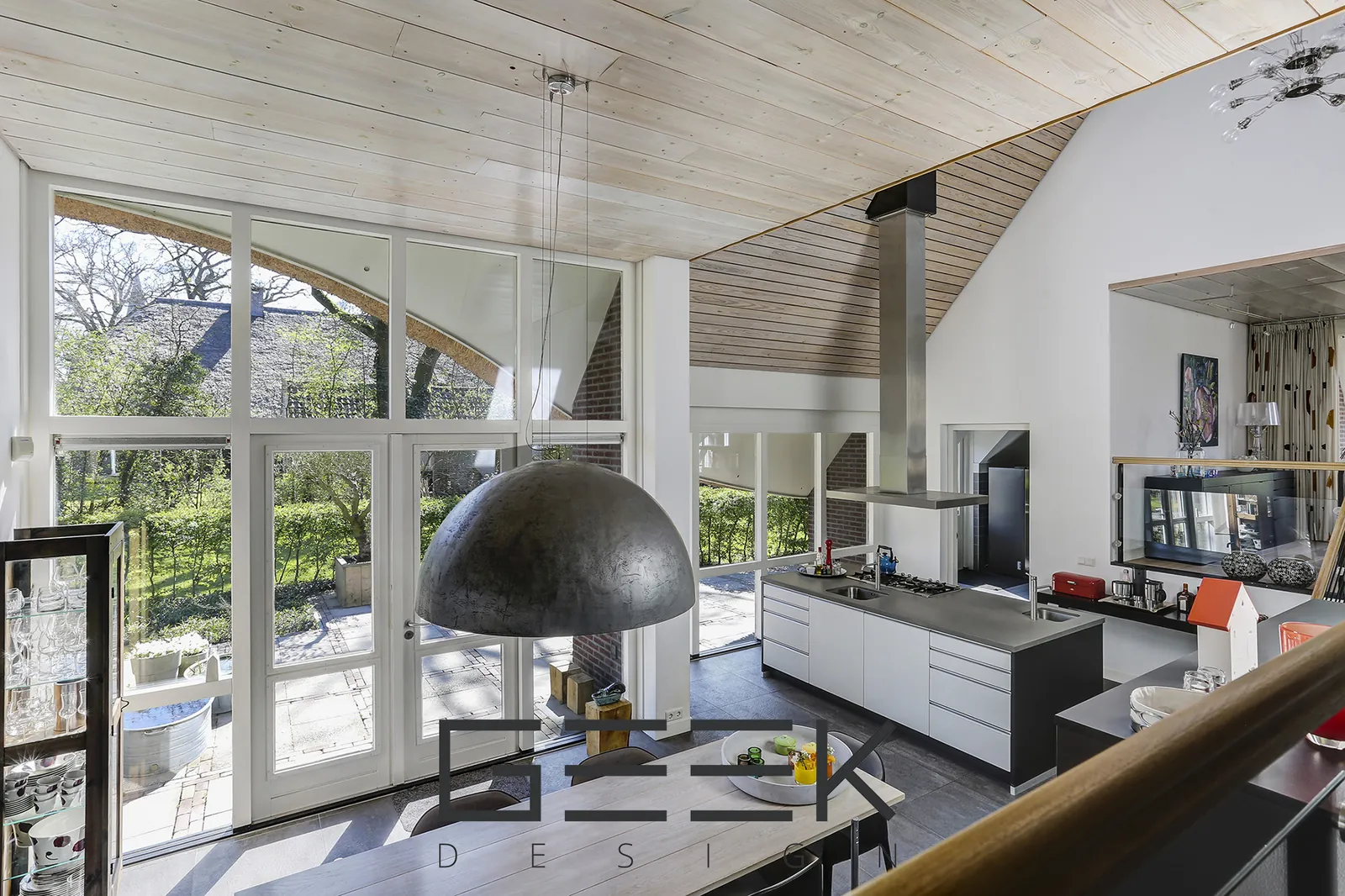
- Input
- RAW or JPG, single exposures or brackets
- Output
- Web- and print-ready JPG
- Ordering
- Online in the webshop, upload or Dropbox
- Pricing
- Per image, volume rates
Editing products
We edit property photos for real estate agents and photographers, by hand and ready for Funda, Pararius, Rightmove and every other portal. Choose the level of editing per order; all products include colour, white balance, brightness and straight verticals.
Single exposure editing
For photos shot with one exposure, in RAW or JPG. We correct exposure, white balance, colour and lens distortion, straighten verticals and bring back detail in shadows and highlights.
Multiple exposures (HDR)
Our highest-quality editing. We blend your exposure brackets by hand for the perfect balance between light and shadow, with clear window views and without the flat, over-processed "HDR look".
Advanced editing
Photo manipulation with AI and 3D applications to get the most out of the property.
Photoshop manipulation
Retouching, object and clutter removal, compositing and other edits that need a skilled Photoshop hand.
Virtual staging & virtual renovation
Empty or dated rooms are hard to sell. We furnish empty rooms and restyle or renovate existing ones in your photos, so buyers can see what the space can become.
Virtual staging
Furniture, lighting and decoration added to empty rooms, in a style that fits the property and the target buyer.
Virtual renovation
New floors, walls, kitchens and bathrooms shown in the original photo, ideal for renovation projects and fixer-uppers.
Before and after
Drag the slider and pick a project to compare.
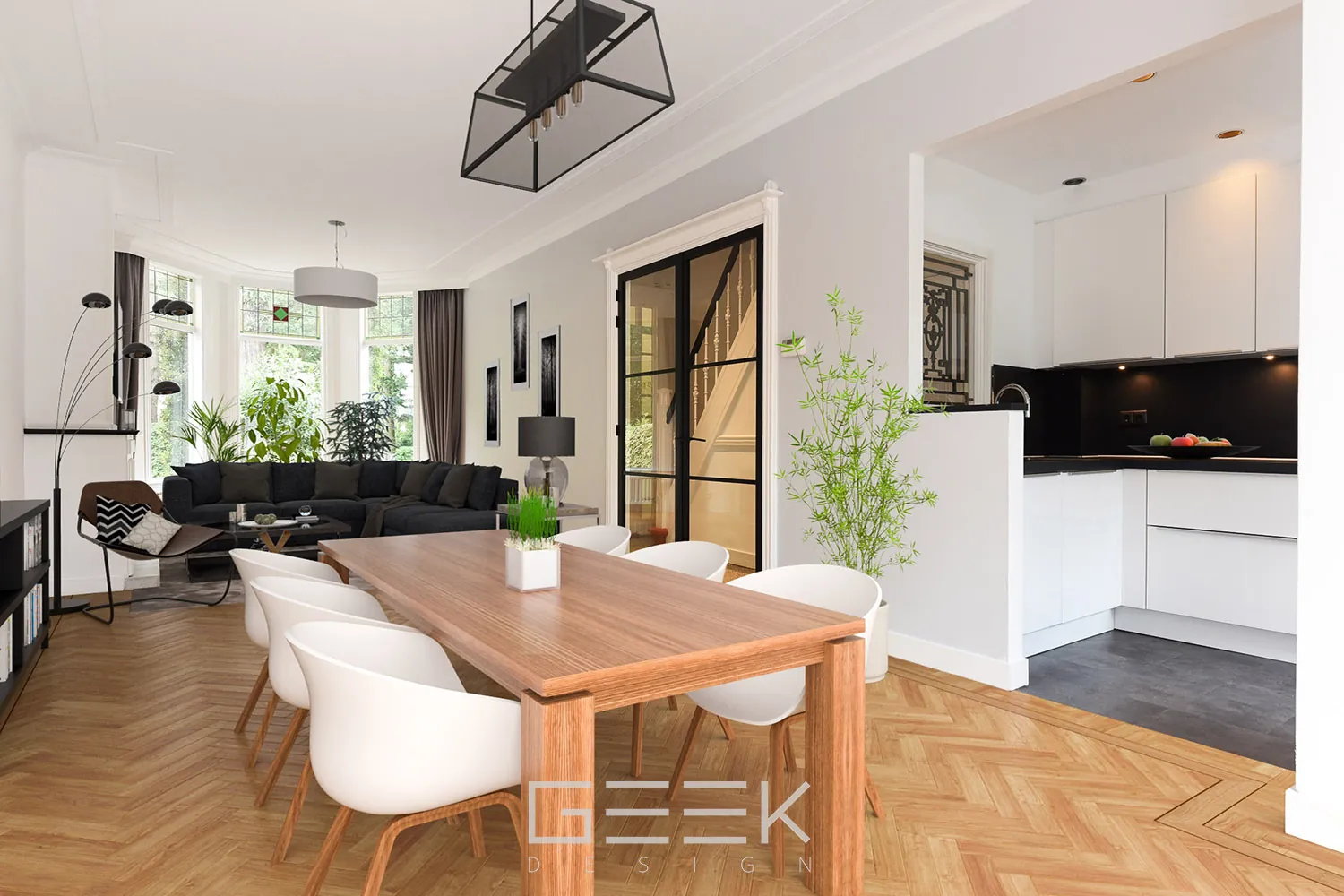
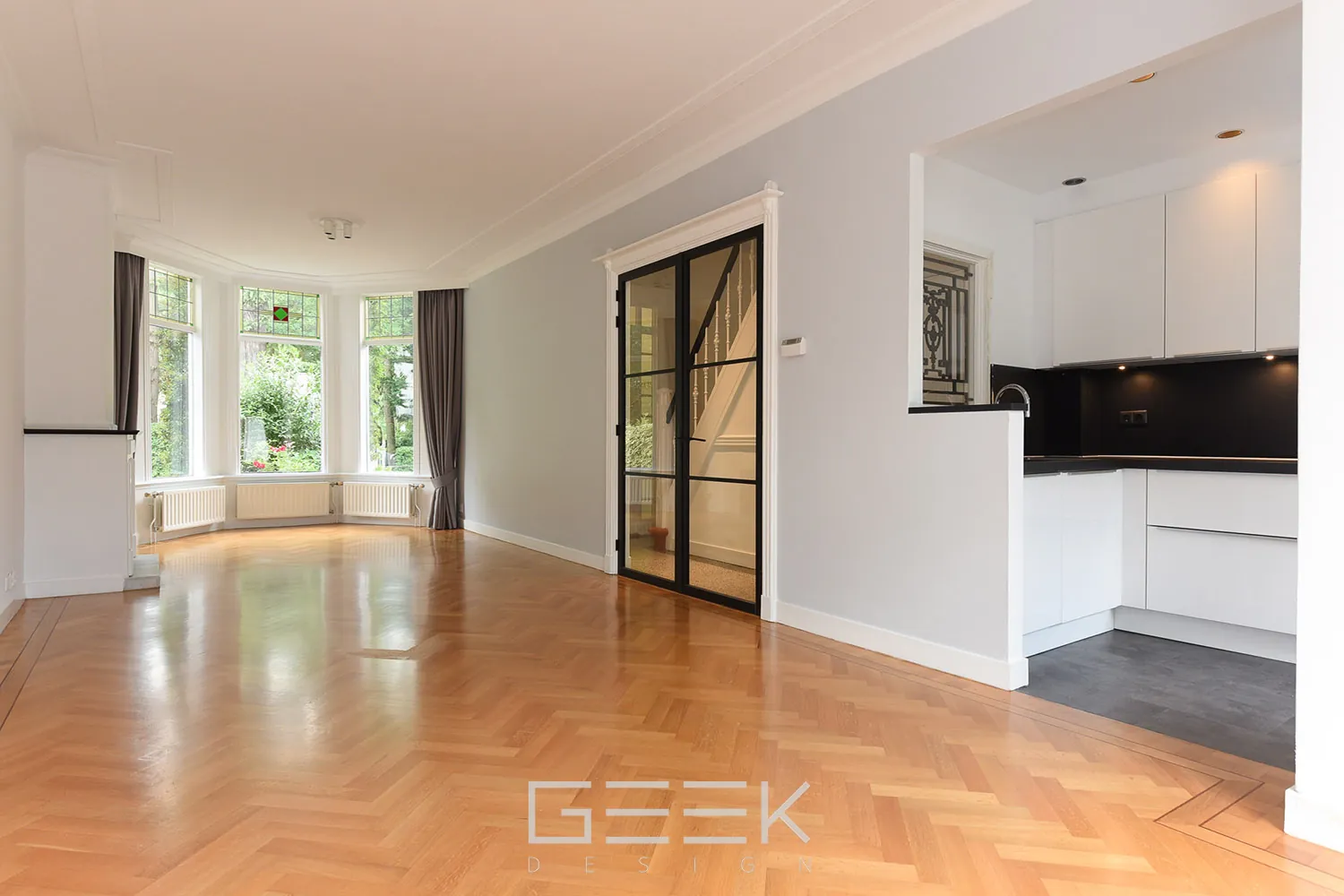 BeforeAfter
Edited property photos
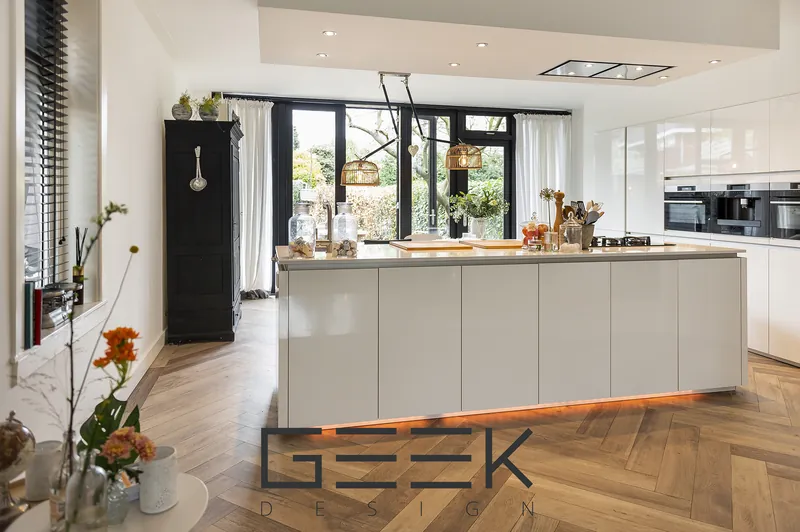
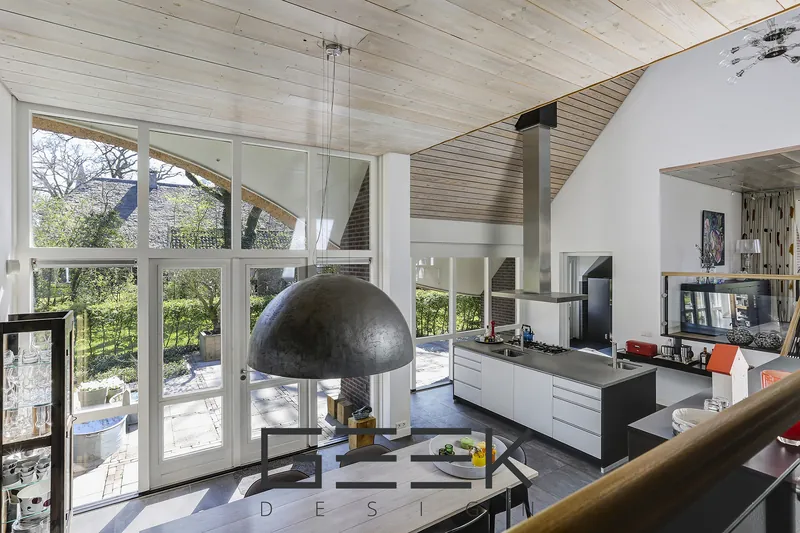
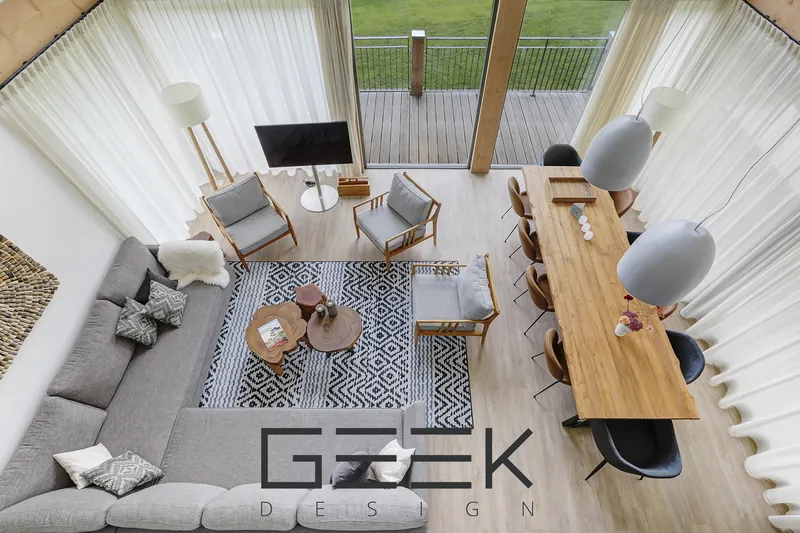
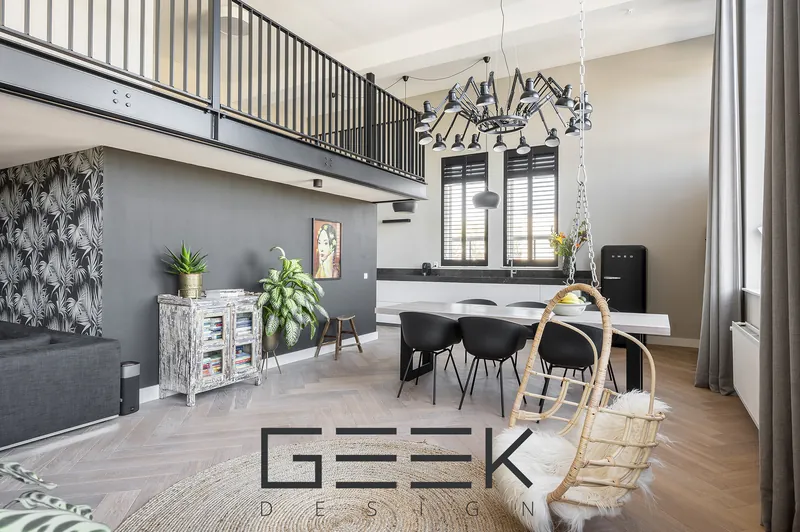
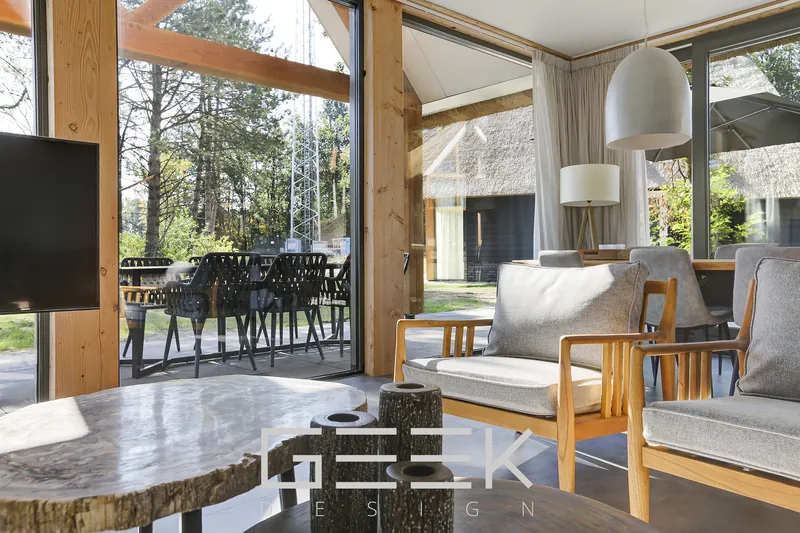
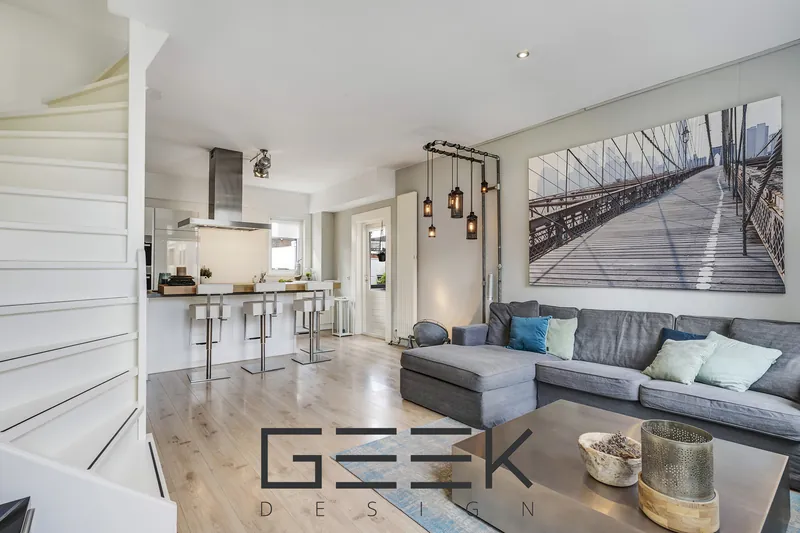
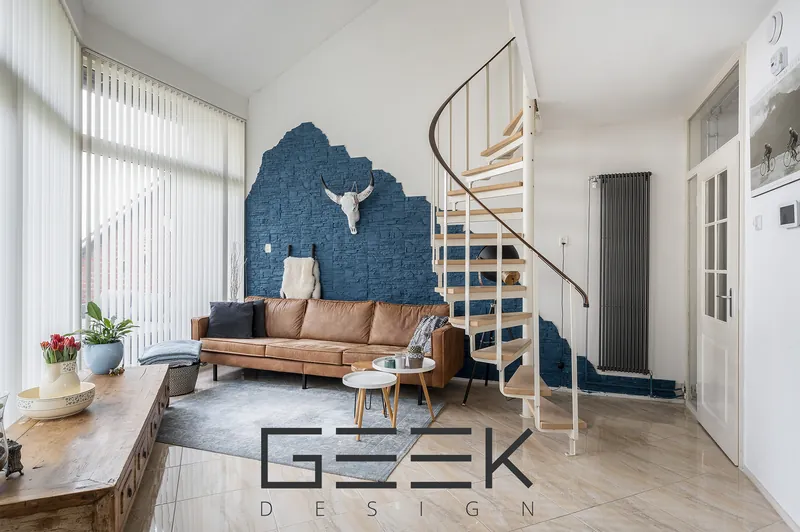
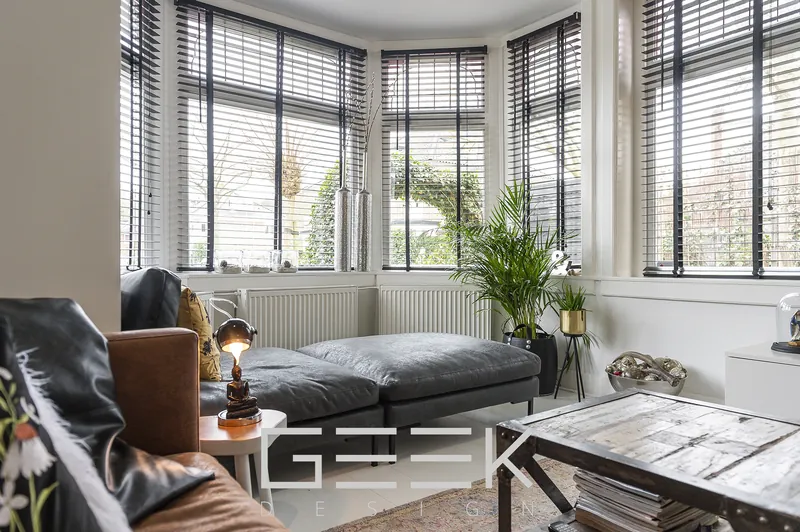
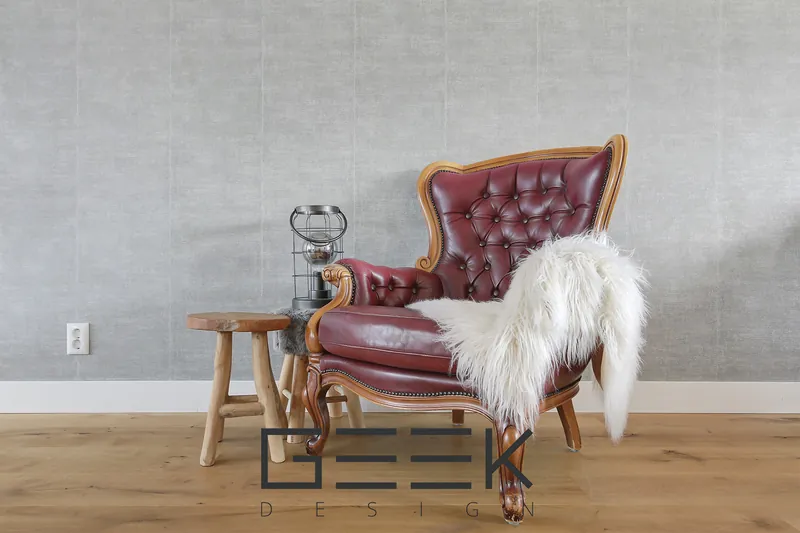
Because of copyright agreements with clients, this is only part of our portfolio.
What we need from you / What you get
What we need from you
- RAW or JPG files (for HDR: all brackets of each shot)
- The product per photo, or one product for the whole order
- Any notes: style, objects to remove, surfaces to replace
- For virtual staging: the room type and the style you want
What you get
- Hand-edited photos, checked one by one
- Straight verticals, natural colour and clear window views
- Files ready for portals, websites and print
- Changes on request if something is not right
From upload to listing in four steps
Get an account
Contact us to generate an account and log in to the webshop.
Order & upload
Choose the products, add notes and upload your files or share a Dropbox link.
Send and forget
We take it from here: our team works by hand, checking light, colour, lines and every detail.
Download
Download the finished files from the webshop. Need a change? Tell us and we adjust it.
What is the difference between single exposure and HDR editing?
Single exposure editing works from one photo per shot. HDR editing blends several exposures (brackets) of the same shot, so both the bright windows and the darker parts of the room are correctly exposed. HDR gives the best balance between light and shadow.
How many brackets should I shoot for HDR?
Send all brackets you shoot for each composition, typically three to five exposures, unedited and in the same order. RAW files give the best result.
Do you also do virtual staging?
Yes. We furnish empty rooms and restyle or renovate existing rooms in your photos, including new floors, walls, kitchens and bathrooms.
How do I order photo editing?
Log in to the webshop at shop.geekdesign.biz, create an order, choose the editing product and upload your files or share a Dropbox link. You follow the status and download the finished photos in the webshop. No account yet? Contact us to request one and we generate it for you.
How much does real estate photo editing cost?
Photo editing is priced per image, depending on the product (single exposure, HDR, advanced editing or virtual staging). Larger volumes get better rates. Your prices are visible in the webshop once your account is set up.
Other services
Order online. Track everything.
Our webshop is where clients place orders, upload files, follow progress and download finished work, any time of day.
- Place orders in minuteschoose a product and add your instructions
- Upload or link Dropboxsend RAW files, brackets, plans or models
- Follow every projectsee the status of each order
- Download & invoicesfinished files, order history and invoices in one place
Let's talk about your project
Questions, a custom product or a new webshop account? Send us a message and we will reply on the next working day.
- info.geek.design@gmail.com
- Phone
- +387 33 87 87 88
+387 61 87 74 45 - Studio
- Bulevar Meše Selimovića 81b, 1st floor
71000 Sarajevo, Bosnia and Herzegovina - Hours
- Monday to Friday, 08:00 to 16:00 CET